10 Crucial PS4 Features Sony Must Implement In 2015
Share Play is fantastic, but Sony need to step it up.
Believe it or not, the PS4 has been out for a over a year now, and in that time Sony haven't really done a huge amount with its potential outside of patching in things the vast majority of people won't bother with anyway - like 3D Blu-Ray support. Sure there's a wealth of missing features that were initially talked about in the lead-up to launch back in 2013 - some of which are covered here - but there's also a load that fans and users have put together over this time that the Japanese giant really needs to implement going forward. There's even quite the assortment of such things that were already available on the PS3 (or Xbox 360) that seem to have been all but removed from both the PS4 and Xbox One. DLNA support and pop-up Trophy/Achievement access worked like a charm on the previous generation of consoles, yet aside from the Xbox One's Snap interface the easiest way to access this on PS4 is to dive out your game and head to a separate app, with a 'Synching' loading bar the only thing waiting on the other end. At this stage in the last generation's lifecycle the 360 had already released a string of updates that helped with core functionality, and although Sony did manage to nail one home run with their newest Share Play functionality, they've still got a very long way to go for the PS4 to live up to its potential.
10. Website Photo Uploads/Private Sharing

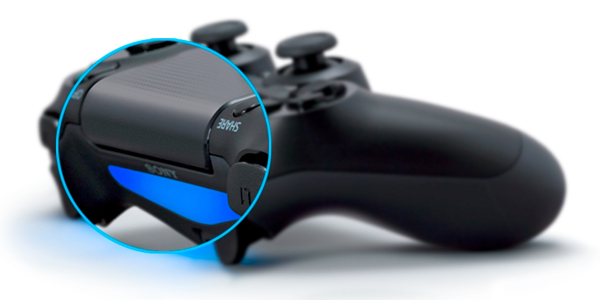
9. Turn Off The Controller Light
8. Revamp The PS Store
The Playstation Store has covered a certain amount of distance when it comes to improving on the original all-blue tiled interface, but what's available right now still doesn't do a great job of telling you what's out on any given day, on the horizon or what might be recommended. Take the re-release of Resident Evil. It dropped last week, but would you know that when looking on the store homepage on the day of release? Nope, instead you had to manually search for it, same as when Abe's Odyssey: New n' Tasty came out. There's also the existence of multi-buys and package deals, where say you buy something like Hotline Miami, you're presented with three different versions (PS4, PS3 and PSP) all downloading at once, yet to anyone new to the console they'd be baffled as to what's going on, and which they need to choose. Throw in the fact that redeeming codes occasionally gives you the 'Continue Shopping' screen instead of auto-downloading after activating them, and a general feeling of "Is this what I'm supposed to be doing?" settles in far more than it should.7. Main Menu Customisation

6. DLNA Support
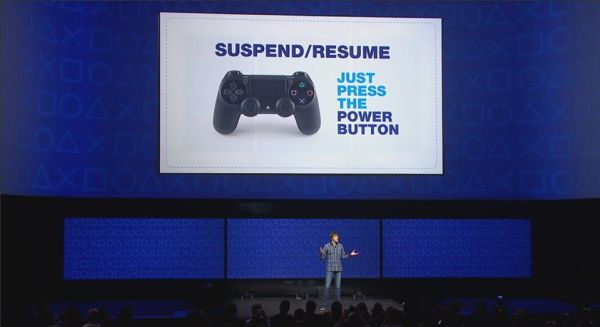
DLNA (or Digital Living Network Alliance if you're feeling a bit Star Trek-y) is the name given to the function of sharing something like your home PC's library of media with another output. It was something that Sony patched into the PS3 over the years, but somehow it's completely missing from the PS4 so far. The reason, assumedly, is to force you into using Sony's Unlimited apps for both music and video, instead of being able to watch something you already own elsewhere. Maybe that's good business, but it's also bad customer policy, especially when the feature existed beforehand. There's rumours this year that this is coming in a future update, but as of now the PS4's media capabilities are below even that of the PSP.5. Pause-Resume Functionality
4. Dashboard Navigation And Sorting
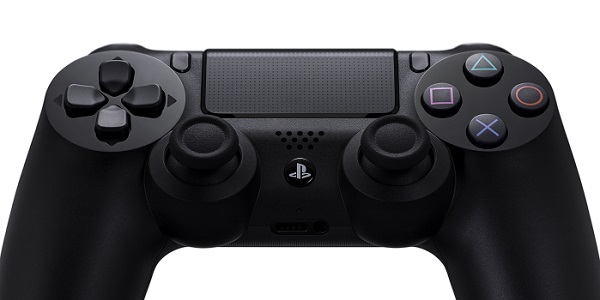
So far the whopping great touchpad at the centre of the controller hasn't been used for anything remotely worthwhile, with most developers instead mapping it to, well, a map, or having both halves of it represent what used to be 'Start' and 'Select' buttons. The PS4's dashboard needs a shakeup, and a much bigger one than the last edition that saw Sony simply extend that long list of recently-accessed tiles that are just plain bad to sift through. What we need is the option to put titles in folders, as well as 'pinning' certain games to a front-end menu, as oppose to this weird take on the PS3's XMB where everything is doubled up. Add in support for the touchpad to provide laptop-style shortcuts depending on which of its four corners you're pressing down, and that takes care of having instant-access to things like settings or hard drive maintenance.3. Run Video Content From USB

2. Full Back Catalogue Library Migration

1. Easy Access To Trophies - Better Home Button Use