Battlefield 1: 11 Things You Didn't Know You Could Do
5. Change Your Loadout
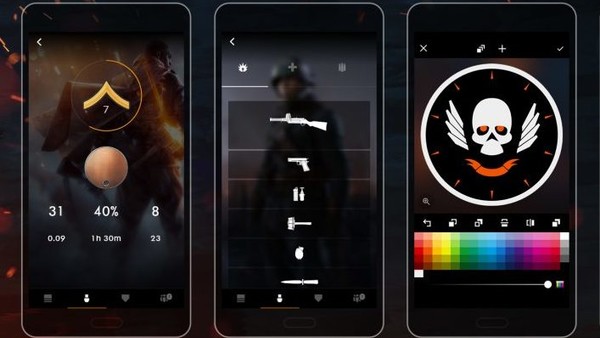
It comes to something when literally just swapping out your weapons and items is a mammoth task, but to do so, either enter a match (yes, you can't do this from the main menu) and when you're waiting to spawn, hit any of the back triggers to toggle the menu and highlight your horizontal equipment list.
From here you can bring up a menu to choose from a handful of weapons, but it's literally just text-based; there are no details for anything you're equipping, nor can you choose to unlock other firearms.
A bit naff, then.
The solution? Download the Companion App. Hooray! Yes, as ridiculous as it feels, core functionality for the game only exists on this app. Thankfully it's free, and once you've downloaded and logged in, you're free to purchase weapons and items to your heart's content.
UPDATE: DICE have acknowledged this as an issue, and are apparently going to restore customising your in-game soldier in the game in the future.