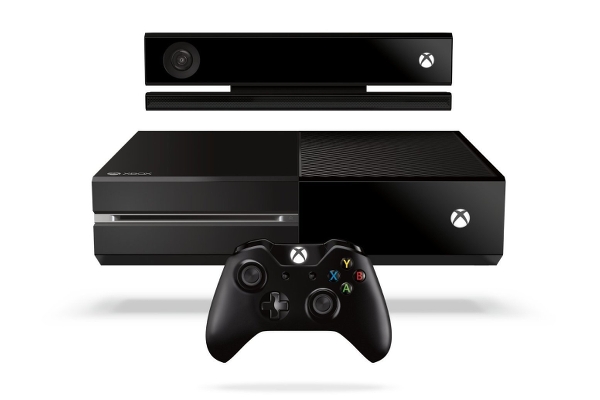
10 Problems Nobody Wants To Admit About The Xbox One
Oh, you can play while it's installing, right? WRONG.
10. Battery-Powered Controllers
9. The Dashboard Is Still Lagging
8. Sensitive To The Touch
If you own a pet or have one of those annoying 'kid' things, you'll know all-too-well the plight of inquisitive noses and grubby hands accidentally (or intentionally, some would swear) turning off your Xbox One mid-gaming session. Whether you're facing off against an end-of-level boss or on the killstreak of your life in your favourite shooter; your dog, cat or child cares not for the importance of such things, they just want to touch that glowing white light emitting from your console. In fact, the console's power button is so ridiculously sensitive that the act of an animal brushing past the faceplate can be enough to power off the thing, causing you to lose any progress you might have made. Pretty much the entire internet has been calling on Microsoft to introduce some sort of feature that enables users to disable the 'button' entirely, but we've had no such luck as yet. The problem's gotten so bad for some, that they've resorted to asking for tips on how to child-proof their console. Try keeping it elevated and away from the reach of kids. Oh, you have a cat too? God help you.7. Auto Sign-Out Can Be Catastrophic

6. Backwards Compatibility Is Counter-Intuitive
I'll get this out there right now: backwards compatibility is great. It ensures all of those Xbox 360 games you spent hundreds - if not thousands - of hours on will live on beyond the console on which they originally appeared, and better yet, it's completely free. Unlike the PlayStation 3's awful reputation for multi-platform game performance, the opposite is true of the 360 and its position as king of the last console generation, and we're all happy it's a reality. However, some baffling design decisions are holding it back from being perfect. All 360 games you already own that are compatible with the service can be downloaded straight to your Xbox One, hassle free. The whole thing starts to take a turn for the worse though, when you want to download a last-gen title you don't already own straight to the X1. That just can't be done. Instead, you'll have to fire up your retired 360 to buy the desired software, just so it becomes accessible on the newer system, or use the Internet Explorer app to fumble around until you get through their online store that way. Microsoft says it's looking into offering a workaround for these current methods, so here's to hoping this becomes a thing of the past sooner rather than later.5. Mid-Install Start Is Useless
4. Instant-On Mode Causes Problems
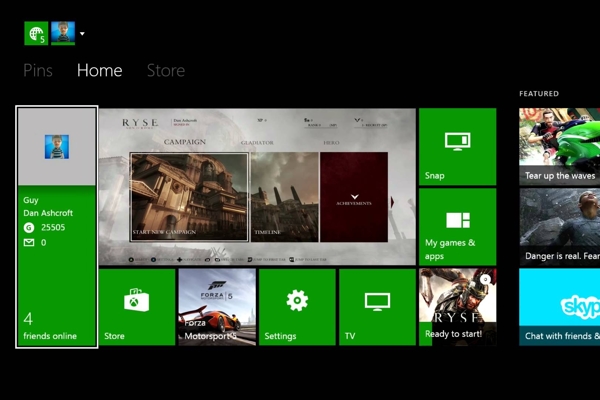
The concept of having a console that's essentially always active in the background - even if you weren't actively using it - sounded brilliant before we all actually went out and bought the Xbox One and discovered that, in actuality, the idea was terribly implemented. Whether it's due to poor infrastructure or because the console's internal RAM struggles to hold so much temporary information is unclear, but putting the Xbox One into instant-on mode brings with it a whole host of irritating latency and performance issues. It's nice to know you'll never have to deal with sitting on your couch like a lemon as you wait for game and system updates to install (as you would if you using energy saving mode), but when that comes at the expense of total system crashes and weird bugs that cause games to not even run properly, if at all, you have to wonder if it's really worth the hassle. Hell, head over to Reddit and you'll find a bunch of posts complaining that the progress bar for their latest download didn't even budge an inch after they left it on standby. You can fix all of these issues by doing a hard reset of the console, but that's hardly a long-term solution now, is it?3. Update And Storage Space Woes

2. There's An App For That
1. Kinect Is (Almost) Dead Hardware